
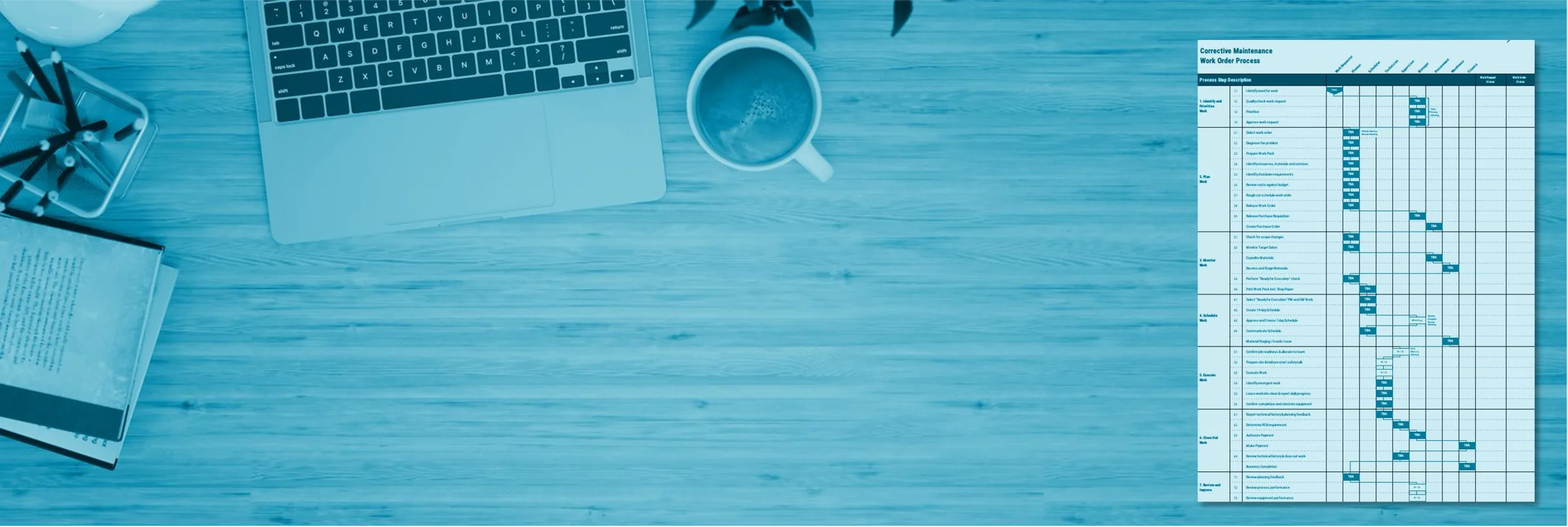
Excel template · Planning & Scheduling
Standardise how corrective work moves through your site
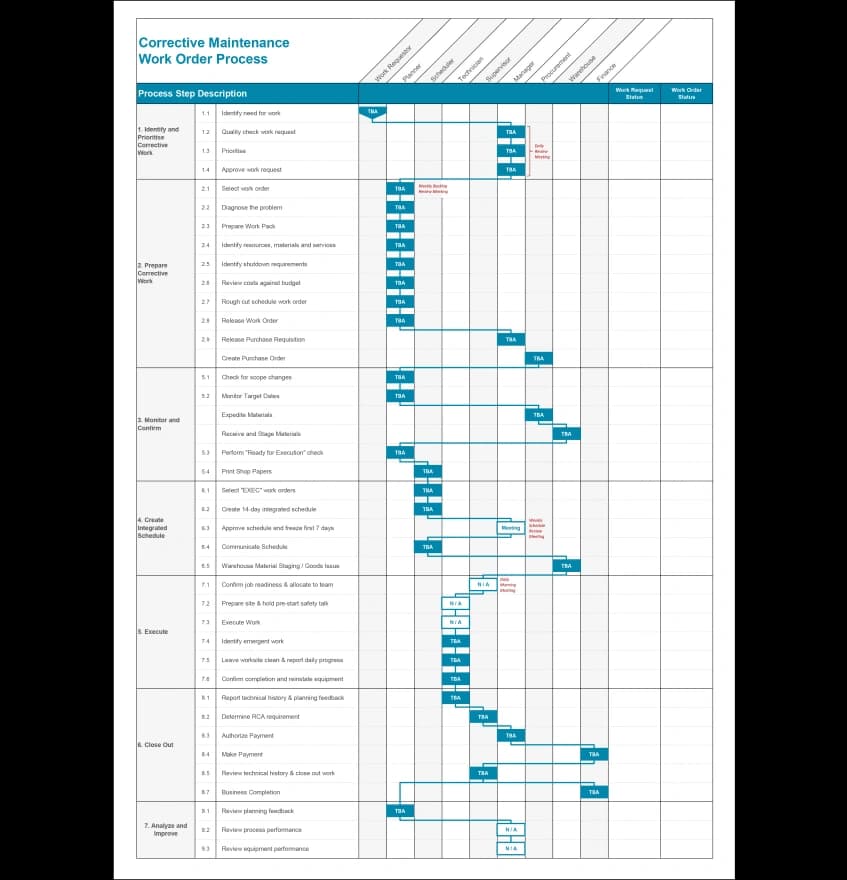
A best-practice corrective maintenance process flow (from identification to close-out) in an editable template you can adapt to your organisation.
Corrective maintenance process flow
Who and when
Who this is for and when to use it
This template is for maintenance managers, planners and CMMS or process owners defining or cleaning up how corrective work is managed. It's the right tool when every crew handles work orders differently and jobs keep skipping steps or skipping planning entirely, when you're implementing planning & scheduling and need the underlying work management process defined first, or when you're configuring or re-implementing your CMMS and need an agreed process to build it around.
The case
Why it matters
When there’s no agreed process for corrective work, everything becomes urgent, planning gets bypassed, and the schedule never survives contact with Monday morning. The symptoms show up everywhere, but the root cause is that nobody has defined how work should flow.
This process flow gives you the best-practice sequence from identification through prioritisation, planning, scheduling, execution and close-out. Agree on it once, and every crew, planner and supervisor works the same way.
What's inside
What you get
- A best-practice corrective maintenance work order process, mapped end to end
- An editable Microsoft Excel template: adapt the text to your organisation's terminology and systems
Step by step
How to use it
- Review the flow against how work actually moves through your site today. Mark the differences. Each one is a conversation.
- Adapt the template to your terminology, roles and CMMS statuses.
- Agree the process with your planners, supervisors and operations. The process only works if everyone follows the same one.
- Publish it, train against it, and hold the line on it. Our article Without planning and scheduling you will fail provides additional guidance.
Download
Get the process flow
Enter your details and we’ll email you the editable template.
Go deeper
The process flow is one piece of implementing planning & scheduling. PS100 covers the whole system: process, roles, metrics and the change management to make it stick.
Keep exploring
Related resources
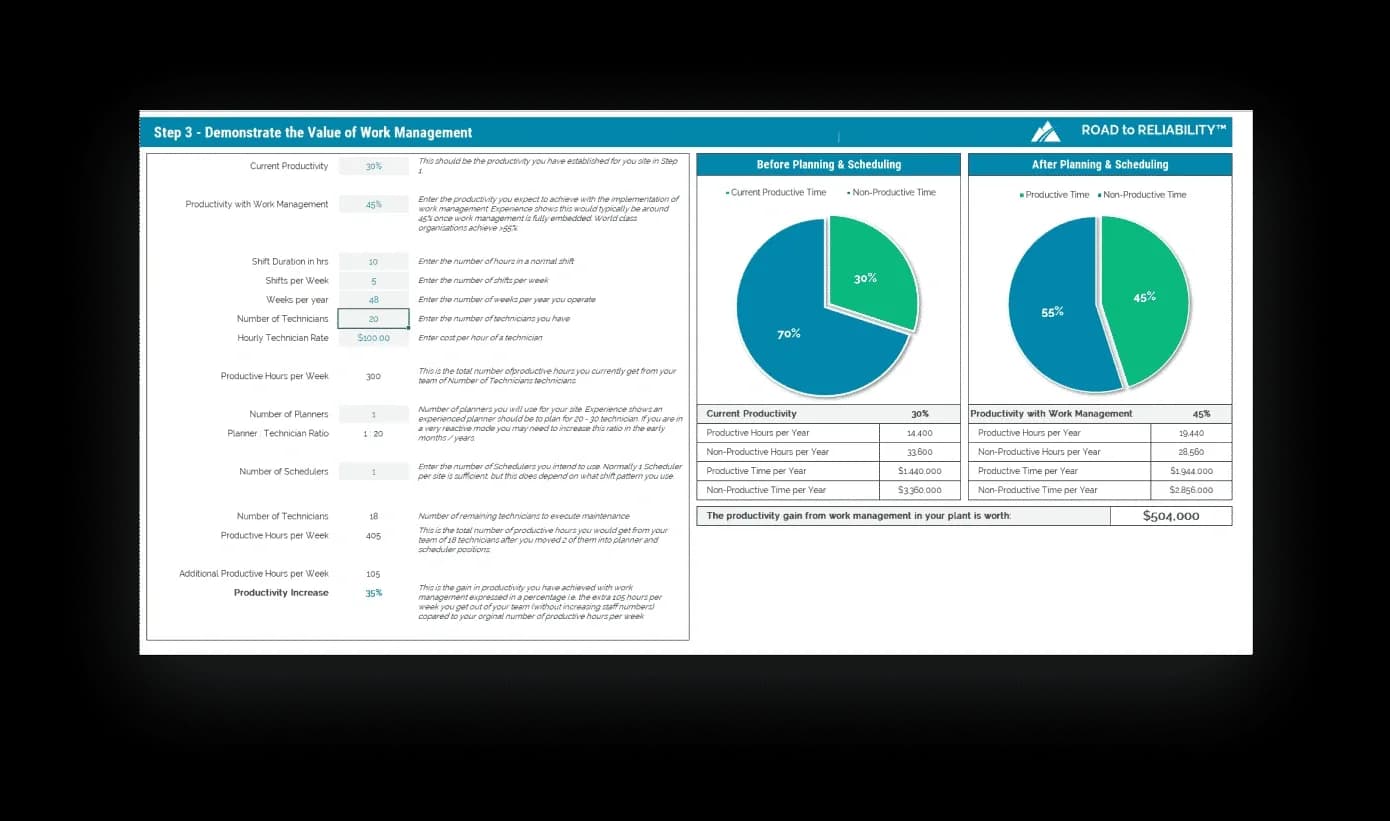
Wrench Time Calculator
Estimate your maintenance productivity and put a dollar figure on what better planning and scheduling is worth at your site. Your business case, ready to present.
Excel, PC and Mac versions
Get the calculator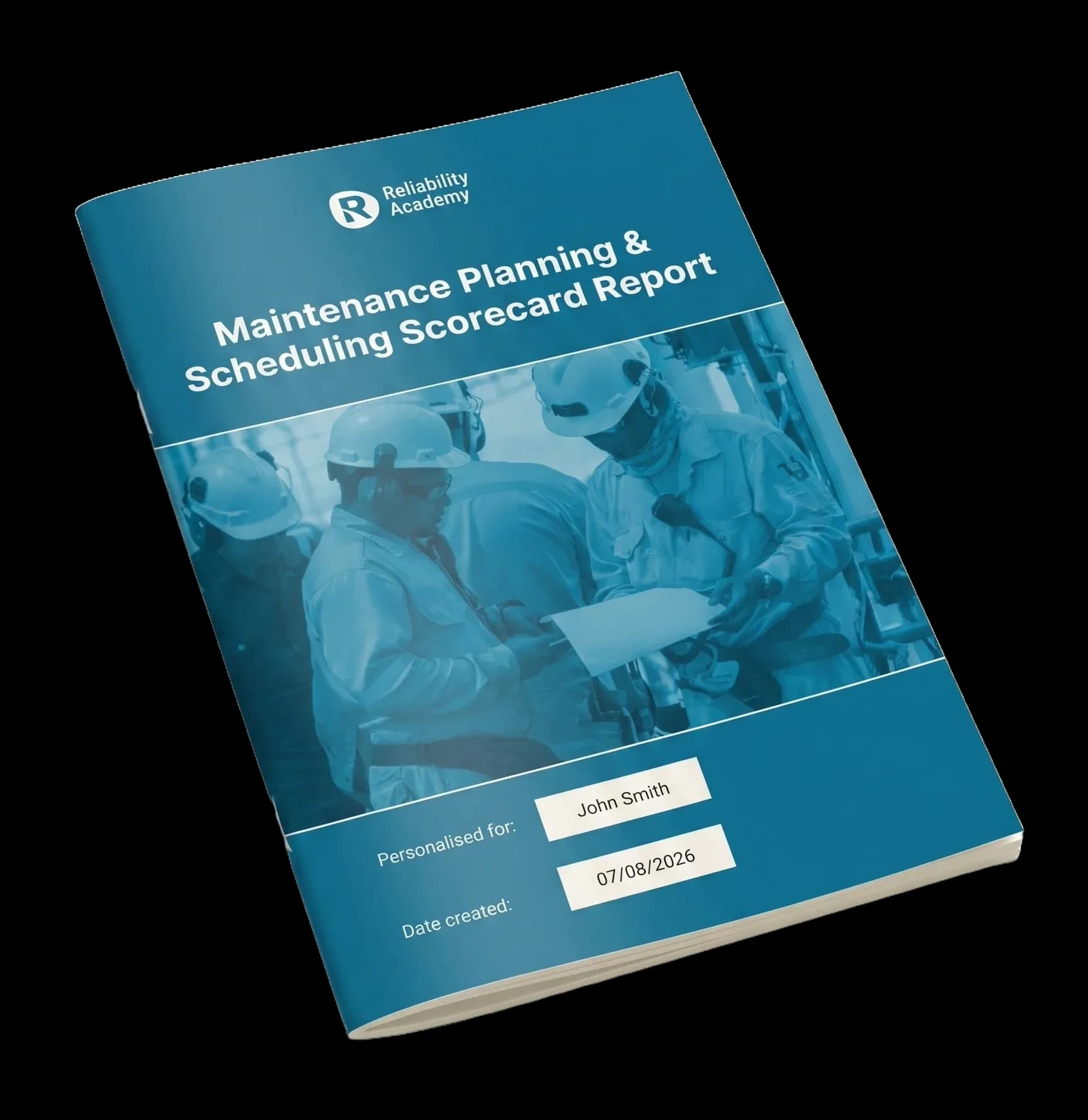
Planning & Scheduling Scorecard
Score your planning and scheduling performance and get a personalised 20+ page report on where and how to improve.
20–30 minutes · instant results
Take the scorecard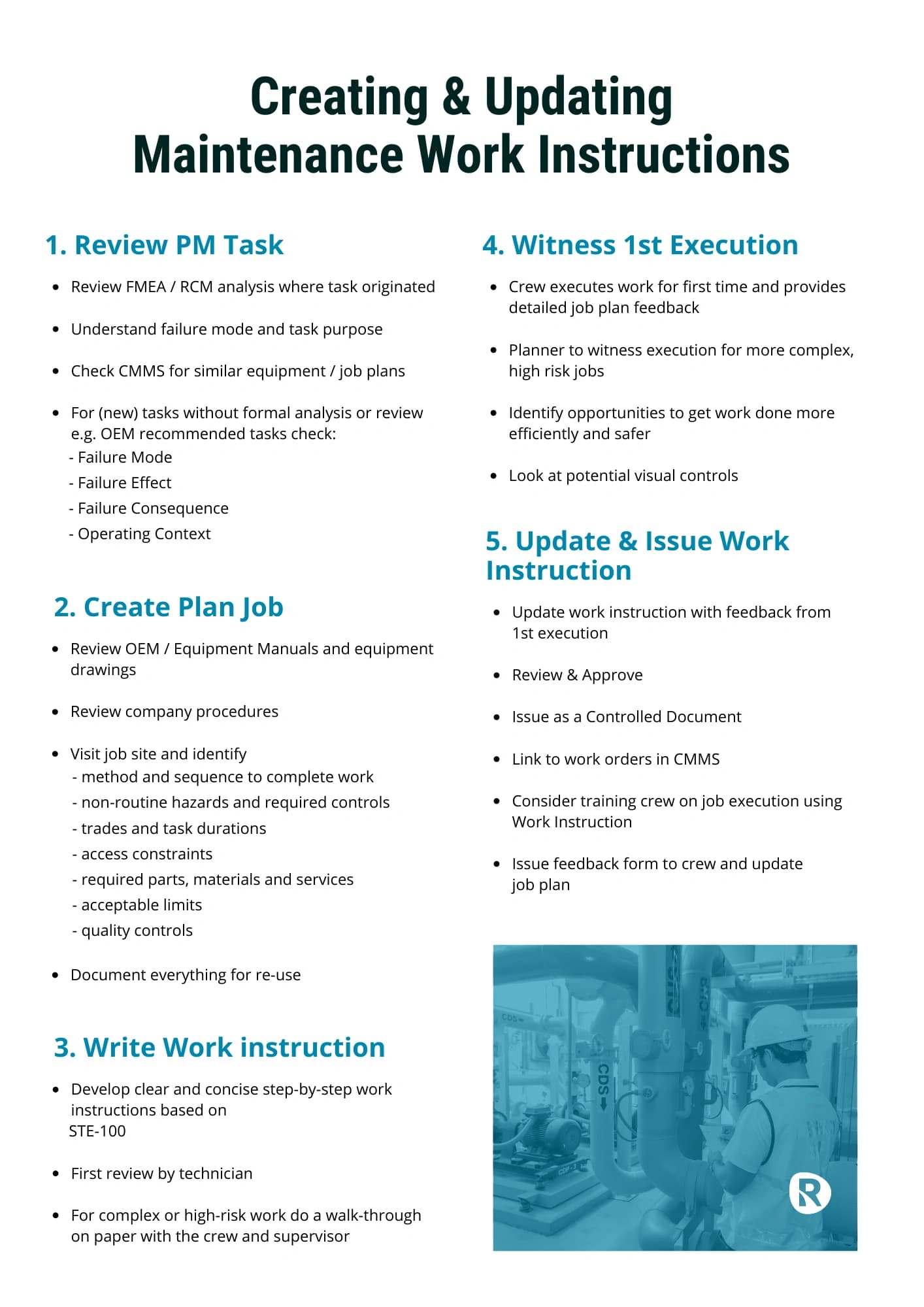
Creating work instructions that work
How to write work instructions your team will actually use: clear, consistent and built for the job, not the binder.
PDF guide, emailed to you
Get the guideFAQs
Frequently asked questions
What format is it?
Microsoft Excel, with editable text so you can adapt it to your site.
Does it cover preventive work too?
It maps the corrective maintenance process: identification to close-out. PM work follows a simpler path, but the planning, scheduling and close-out stages apply to both.
Is it really free?
Yes. We email you the file.
Will it fit our CMMS?
The flow is system-agnostic. It defines the process, and your CMMS statuses map onto it. That’s the right order: process first, then system.